Install devlooper
Get the app on your Mac and sign in.
Download for Mac: Apple silicon (M1 and newer) · Intel. Open the DMG and drag devlooper to Applications. Needs macOS 12 or newer.
Or install it from Terminal, which also checks your Mac first:
-
Open Terminal and paste:
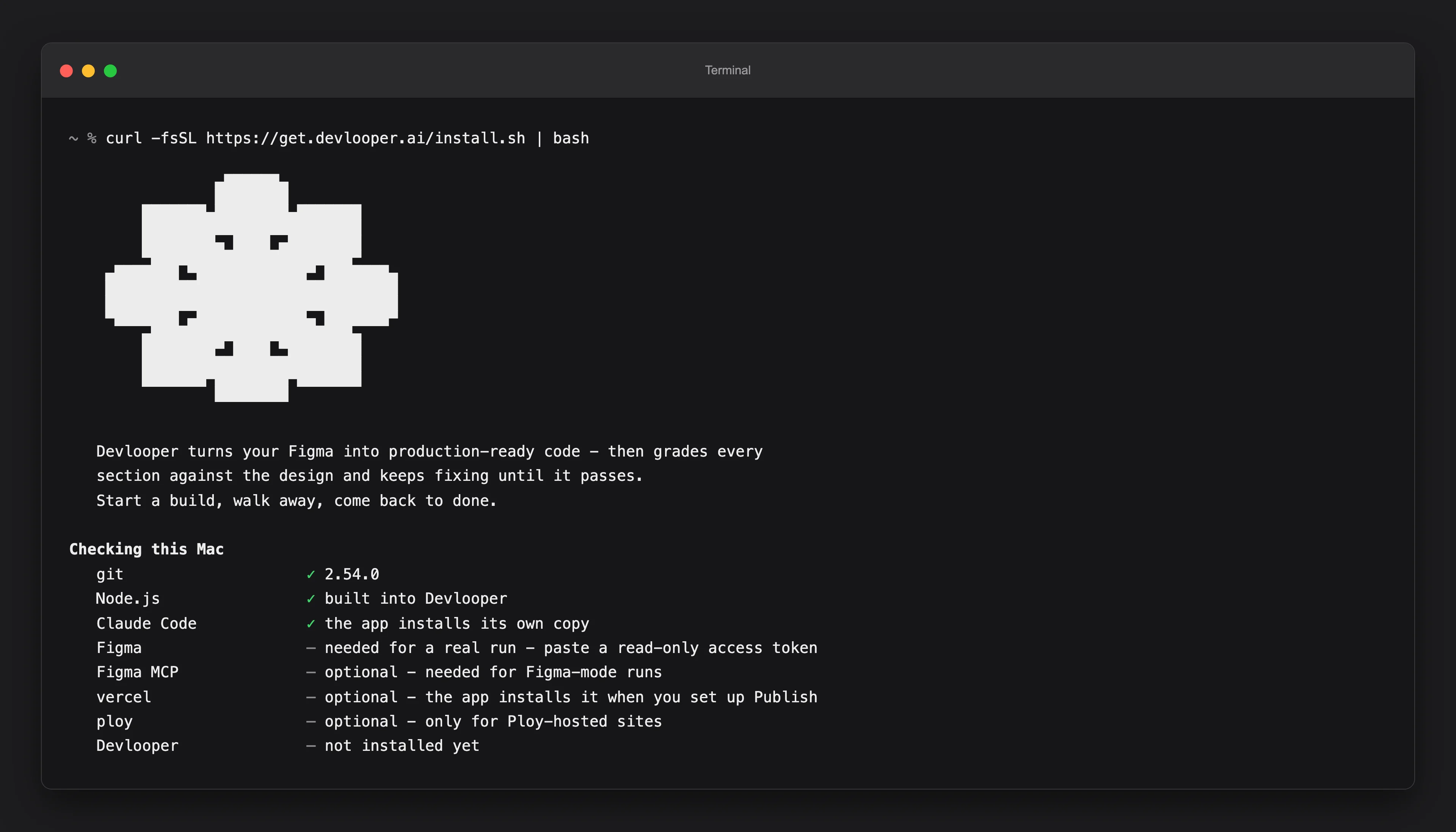
curl -fsSL https://get.devlooper.ai/install.sh | bashThe installer first checks your Mac and says what is there and what is missing. Node.js and Claude Code come with devlooper, so there is nothing else to install.
-
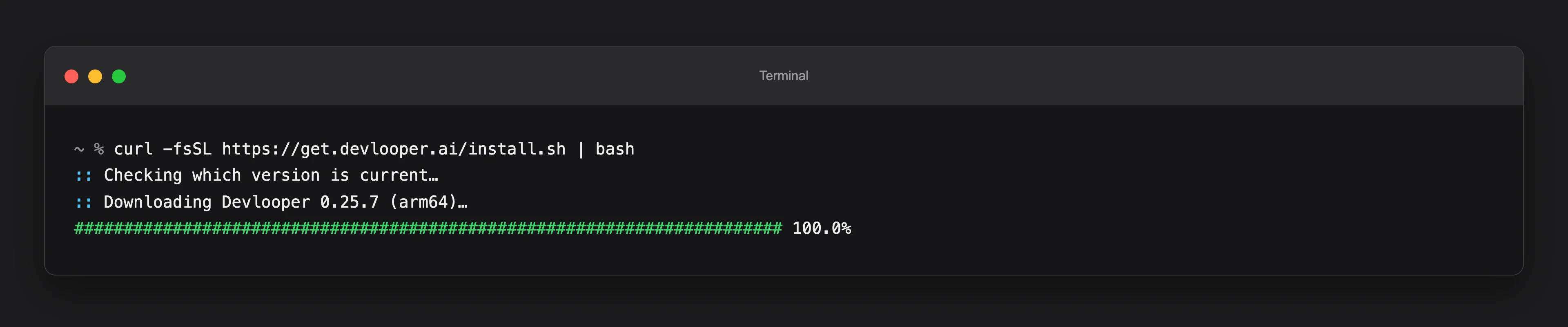
It downloads the newest devlooper and checks the file is genuine.
-
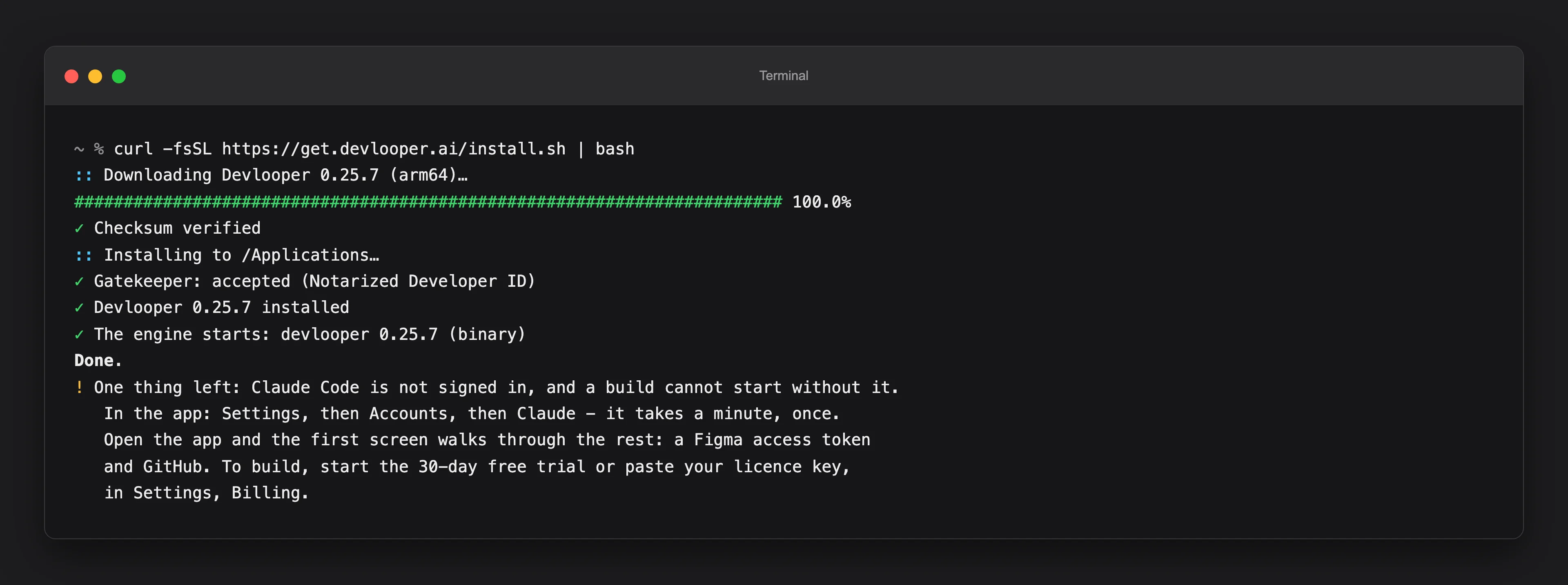
It puts devlooper in Applications, checks that macOS accepts it, and says Done. If something is left to do, such as signing in to Claude, it says so in one line and where to do it in the app.
-
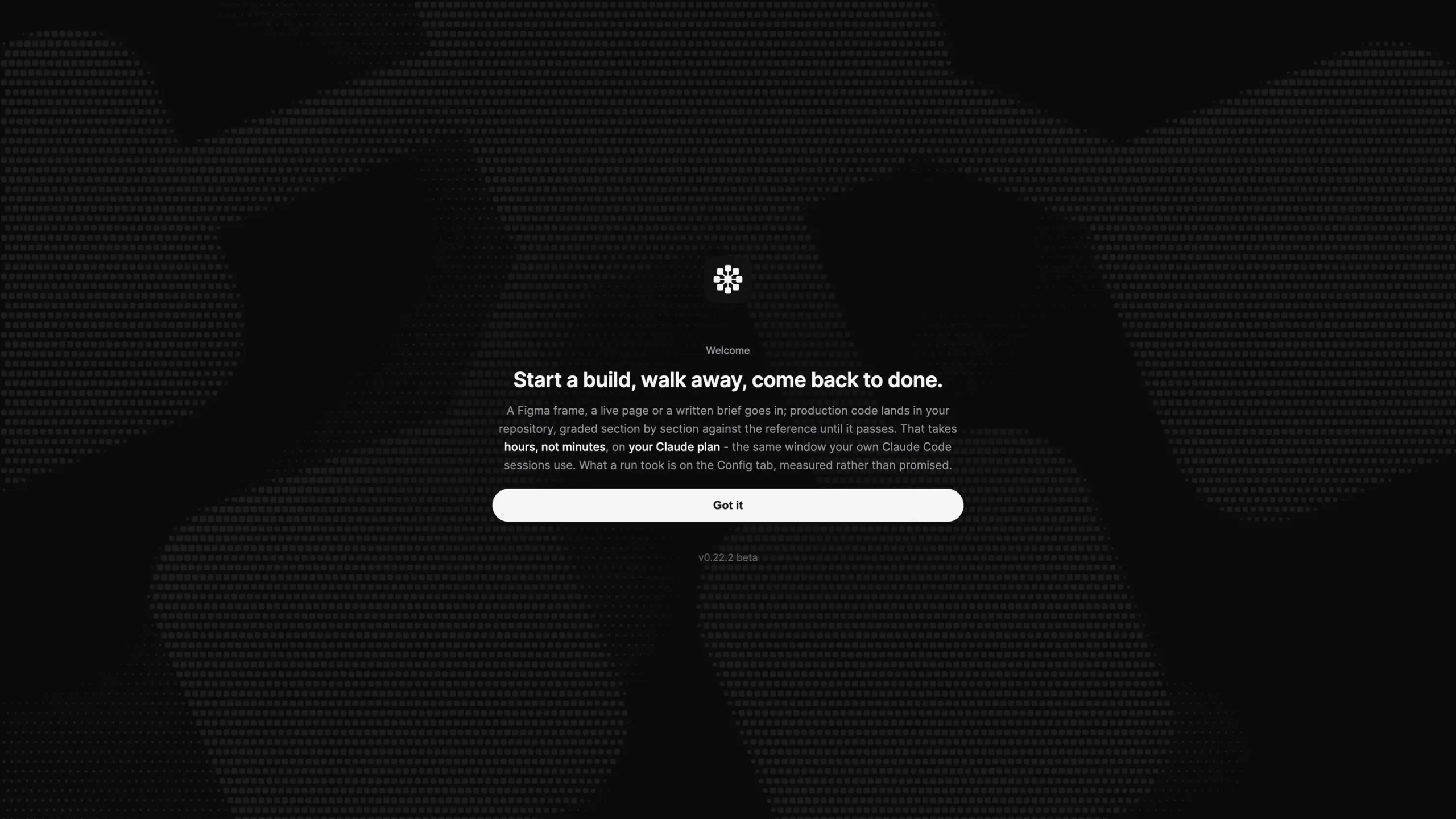
devlooper opens and explains what a build is. Then it walks you through a short setup: your plan (the free trial or your key) and GitHub, and anything else that is not set up yet. Skip anything you want to do later. See First start.
-
Sign in to Claude in Settings → Accounts → Claude Code with Connect. Every build runs on your own Claude plan.
Or let Claude Code do it with you
If you use Claude Code, it can run the same installer with you: it checks your Mac first, explains what it finds, installs devlooper, helps with the Figma token, GitHub and the free trial or your key, and opens the app. Copy the prompt from the Ask Claude Code tab and paste it into Claude Code in Terminal.
curl -fsSL https://get.devlooper.ai/install.sh | bashIt never asks you to paste a token or key into the chat; it tells you where to paste it in devlooper.
Run the same command again any time to update. The app also updates itself when it opens, as long as a plan is active.