devlooper
Build websites from Figma with Claude, review them visually, and publish them.
devlooper is a Mac app that turns a Figma design into a real, working website. You set up the pages, start a build, and come back to a site that matches the design. Then you polish it by pointing at what you want changed, and publish it in a few clicks.
Where are you starting from?
Every page is designed. The loop builds each one to match its frame.
- 1New project, build the first page from Figma and paste the home page frame. Guide
- 2In the Sitemap, Add page for every other page and paste its frame. Add the mobile frame where there is one. Guide
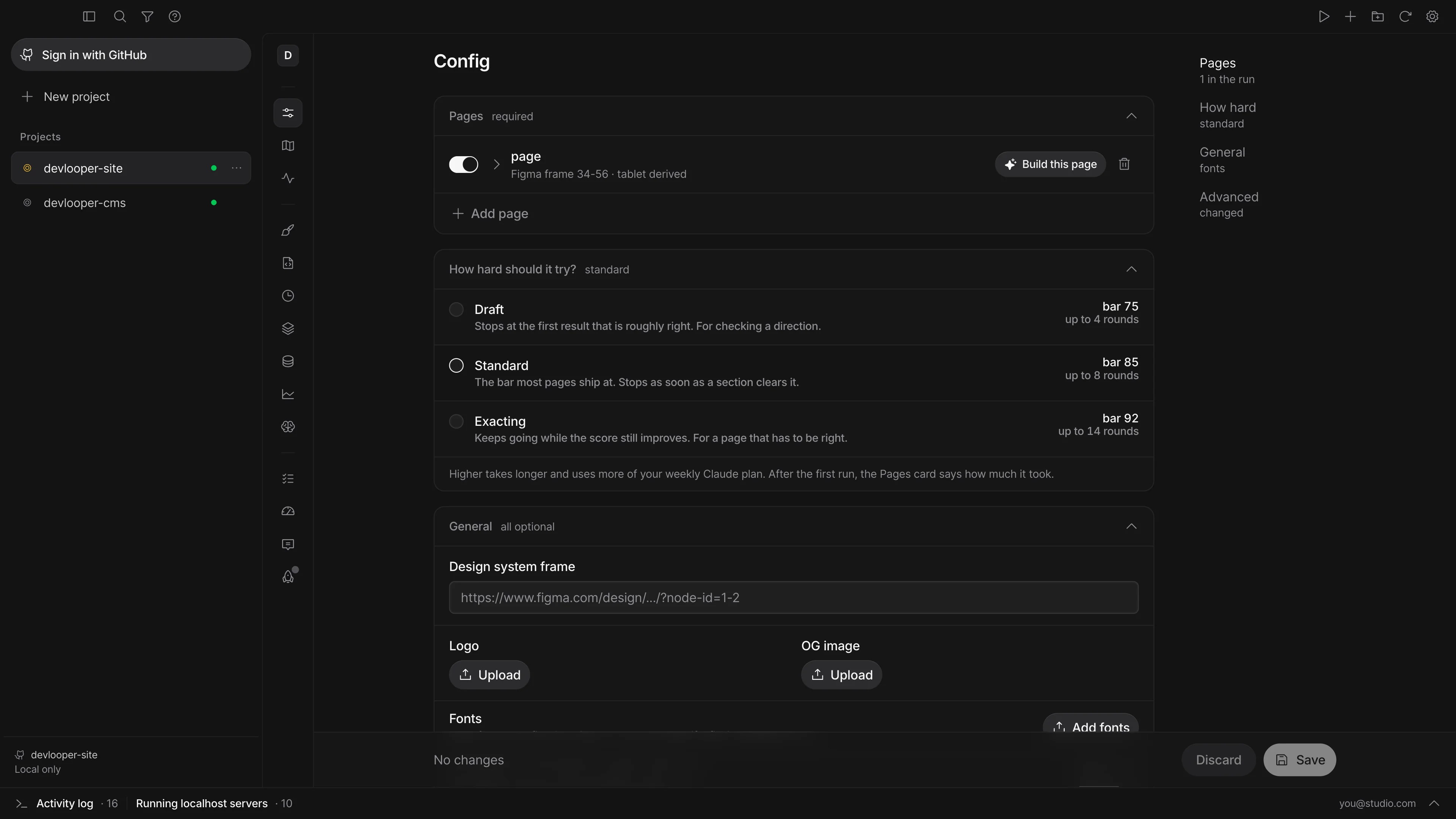
- 3In Config → General, add the Design system frame and the real fonts. Guide
- 4Go to Loop, press Start and come back later. A build takes hours. Guide
- 5Polish what is left in Design, then Publish. Guide
Click through the app
The Hub
Guide