Figma files that build well
How to structure a Figma file so devlooper reads exact numbers instead of guessing - cleaner design, higher fidelity, cheaper runs.
devlooper turns a Figma frame into production landing-page code and then runs a fidelity loop (build → screenshot → compare to the design → fix) until the build matches. The cleaner and more structured the Figma file, the more of that work becomes deterministic - devlooper reads exact numbers instead of guessing, so the first build is closer and the loop needs fewer (and cheaper) iterations.
Messy Figma has the opposite effect: absolute-positioned layers, hard-coded colours, default layer names and rasterised UI force the tool to infer what you meant. Inference is where fidelity is lost.
These guidelines are the operational definition of "a Figma file that's ready for a run." They are written for web designers handing landings to devlooper, and they double as source material for the designer starter kit, guardrails and skills.
How devlooper reads your Figma (the mental model)
It is worth knowing what the tool actually pulls, because every rule below maps to one of these channels:
| Channel | What it reads | Why it matters to you |
|---|---|---|
| Preflight | Before a run starts, asks Figma for each page's frame by id (/v1/files/:key/nodes) and refuses the run if a frame was deleted or is no longer in that file | The node-id in the page URL must still point at a live frame |
| Reference image | Exports your node as a PNG (by node-id, through /v1/images) and pixel-diffs the build against it; each section's own node is exported too, for the judge | The node you hand off must render on its own as the finished page |
| Geometry | The node tree in one Figma REST call (/v1/files/:key/nodes): auto-layout, borders, shadows, blur, blend modes, gradients, text metrics, constraints | This is the deterministic layout + styling source of truth |
| Tokens | Figma Variables (colours, type, spacing, radius) via the Variables REST API (/v1/files/:key/variables/local) - exact float→hex, no rounding | Bound variables become real design tokens in code; raw values get guessed |
| Assets | Exports images / icons / SVGs by the node ID of their export container | A wrong or missing container = a missing element on the page |
| Sections | The figma-init step reads your frame (Figma MCP, or the REST API as a fallback); its top-level children, in order, become the page sections it builds and verifies one at a time | Clear section structure = per-section fidelity checks |
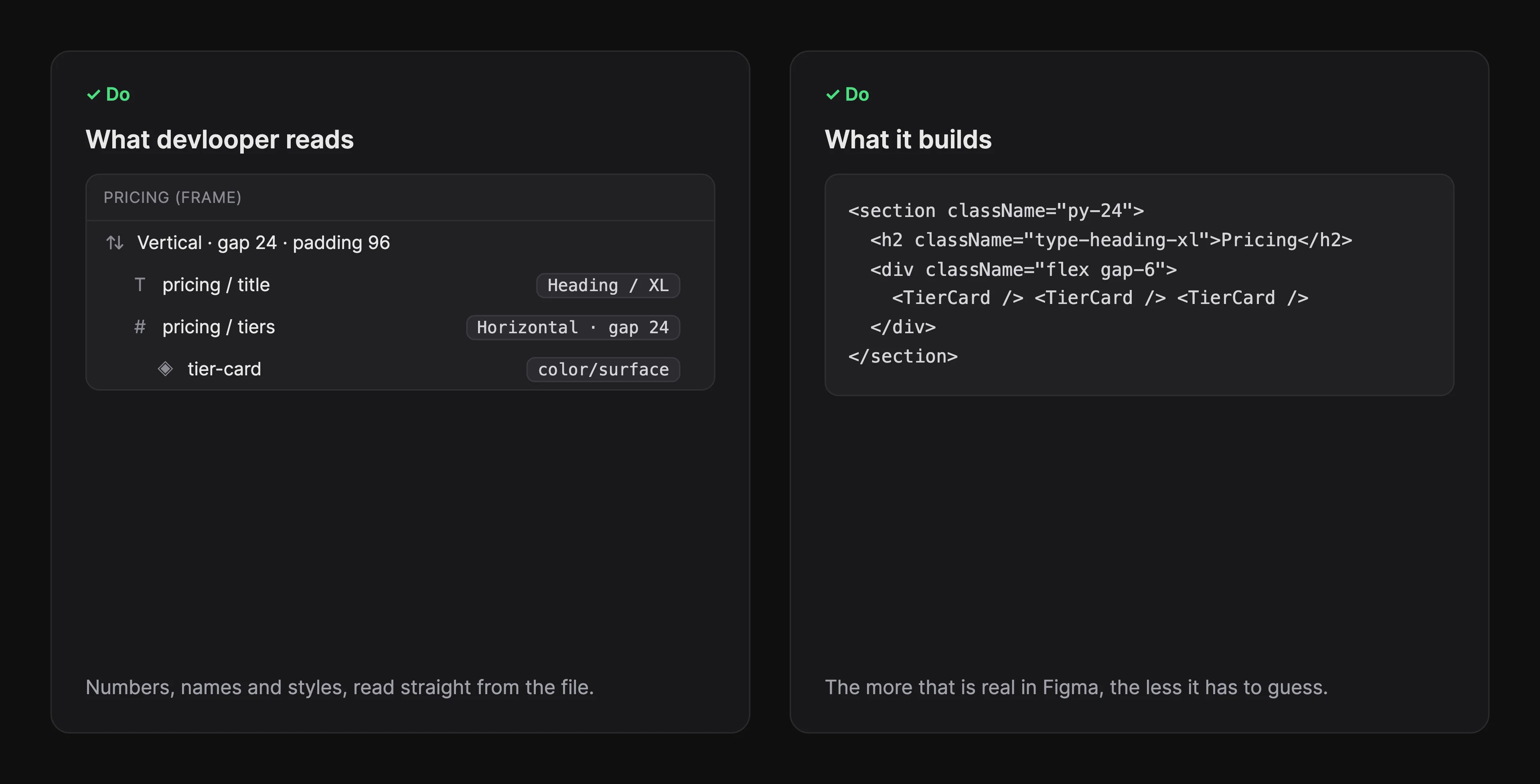
The single highest-leverage idea: auto-layout + variables turn your design into data; absolute positioning + hard-coded values turn it into a guess.
The readiness bar
A file is "ready for a run" when, roughly:
- Auto-layout ≥ ~90% of meaningful containers (the #1 fidelity driver)
- Variables bound ≥ ~80% of colours, type, spacing and radius
- A style system exists - variable collections and/or text/color/effect styles
- Names are semantic - no
Frame 427,Rectangle 12,Group 5on anything meaningful - Assets are export-ready - real images/icons/SVGs sit in clean, well-named containers; UI mock-ups are built from layers, not flattened to PNG
- One clean frame per breakpoint, self-contained, no off-canvas scaffolding
The guidelines
Read in order, or jump to what you're fixing:
- Auto-layout & structure - the biggest fidelity lever
- Variables & tokens - make colours, type and spacing exact
- Naming & sections - semantic names, page split
- Assets, images & SVG - export containers, raster vs rebuild
- Typography & effects - text, borders, shadows, gradients, grid lines
- Handoff QA checklist - tick before every handoff
If you only read one thing before handing off: the checklist.