Guides5. Check it
QA feedback
Turn notes, a call transcript or a client's email into fixes on the page.
Paste feedback in any form and devlooper splits it into separate remarks, each attached to the part of the page it is about.
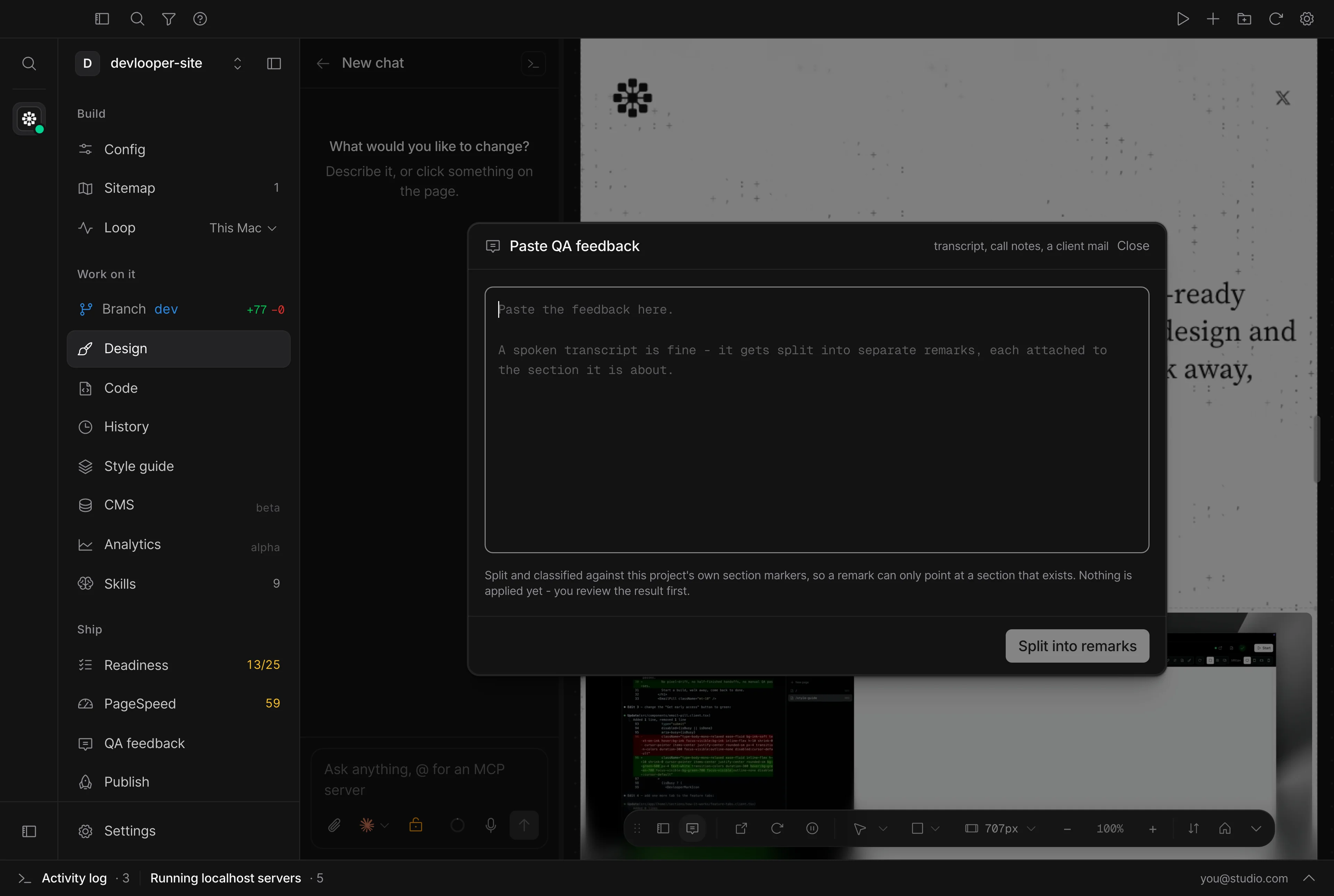
- Click QA feedback in the project sidebar.
- Paste the text: notes, a call transcript (spoken is fine) or a client's email.
- Click Split into remarks. You can keep working; a message tells you when the remarks are ready.
- Click Review. Each remark is labeled bug, taste or question. Bugs are ticked for you.
- Click Fix it to send the ticked remarks to Claude, or Fix later to add them to your pins in Design.
Nothing changes on the site until you send the remarks.