Site settings at /cms
The menu, company details, search and sharing, redirects, forms, analytics and backups.
Under Settings at /cms are the things that belong to the whole site. Settings save straight to the live site, so editors and administrators change them; authors can look.
Menu and company details
- Menu: the links in the header and at the bottom of every page. Each item links to a page or a web address, and can have items under it.
- Company details: name, one line about you, phone, e-mail, address, logo and social media. The site shows them wherever it needs them.
Search and sharing
The site's name, default description and default picture when a page is shared, whether search engines and AI assistants may read the site, and who is behind it (an organisation, a local business or a person). The files search engines read (robots.txt, llms.txt) are shown and can be edited whole.
Each page has its own title, description and picture in the editor's Page tab, with previews of how it looks in search results and when shared.
Redirects
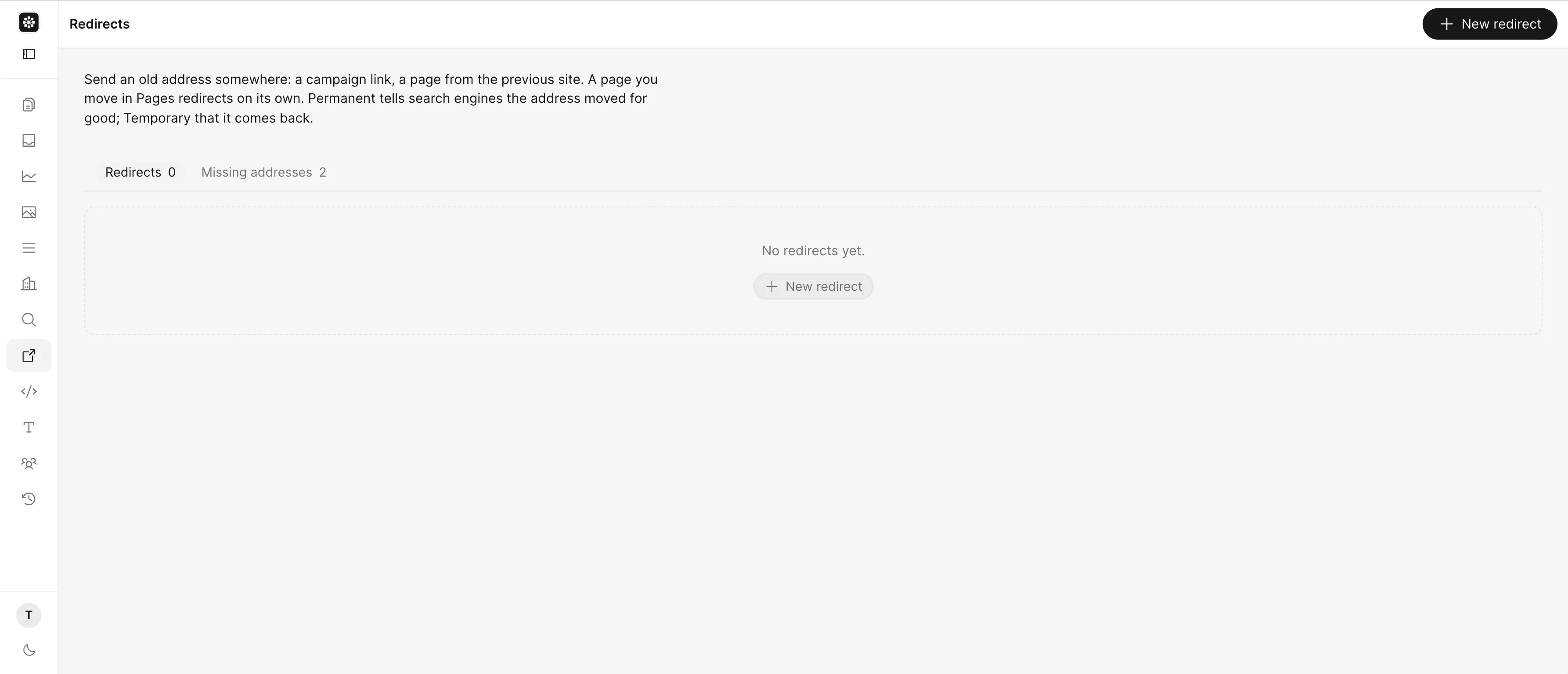
New redirect sends an old address to a new one, Permanent or Temporary. Missing addresses lists addresses visitors asked for that do not exist, how often, and Make a redirect for each.
Forms
The site's forms land in Forms: an inbox with Spam kept apart, Reply, and Export CSV. Under Settings, choose where new submissions are e-mailed, how long they are kept, and a weekly summary on Mondays. Payload sites only.
Analytics
Traffic, Search and Uptime for the site, over a day up to twelve months. Until a service is connected it shows example numbers. An administrator connects one under Settings: Vercel Web Analytics, Plausible, Fathom, Umami or Google Analytics, and Search Console for search. See Analytics.
Backups
A backup is taken before every publish and every night; Take a backup now makes one by hand. The newest 30 are kept, without accounts or passwords. To bring one back, download it and send it to the team that built the site. Administrators, Payload sites only.
Advanced
Administrators also see Advanced, which opens the CMS's own interface (/admin for Payload, /studio for Sanity) for anything the panel does not cover.