Guides4. Design
Code
Look at and edit the project's files directly.
Most changes are easier in Design. Code is there when you want to see or change a file yourself.
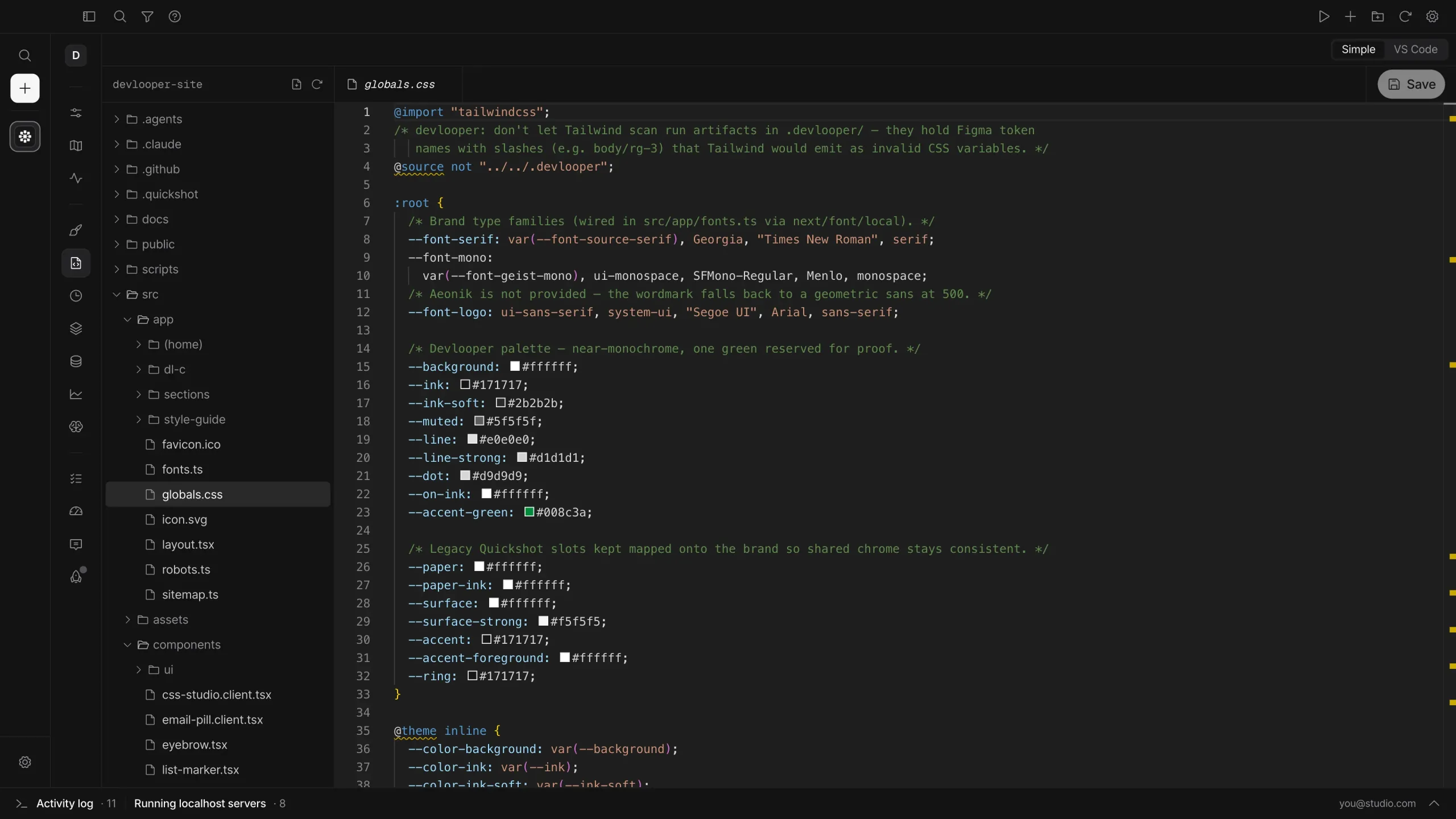
Two editors
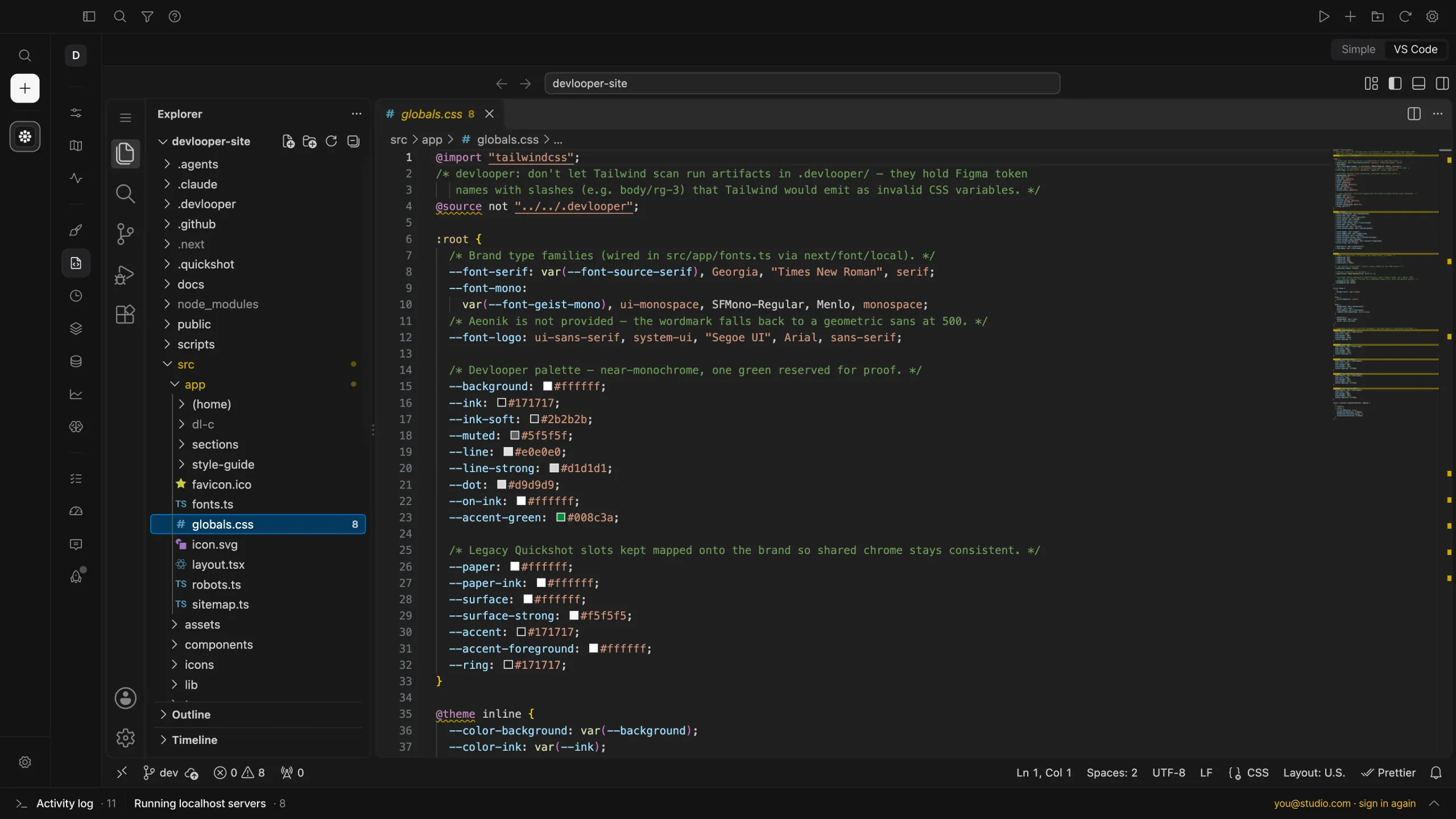
Switch at the top:
- Simple: a file list and an editor, built in. Click a file to open it, edit, and press ⌘S to save.
- VS Code: the full Visual Studio Code, inside devlooper. The first time, click Download and open VS Code; after that one download, it opens in seconds.
Good to know
- New file in the Simple editor creates a file and opens it.
- If a file changed while you had it open (for example Claude edited it), devlooper asks whether to Reload from disk or Save anyway.
- A dot on a tab means it has unsaved changes.