Guides4. Design
Style guide
A live page that shows the site's colours, type and components, made from the real code.
Style guide builds a page at /style-guide on your site that shows its colors, fonts, buttons, form fields, cards and spacing, using the site's own components. Share it with a designer or a client.
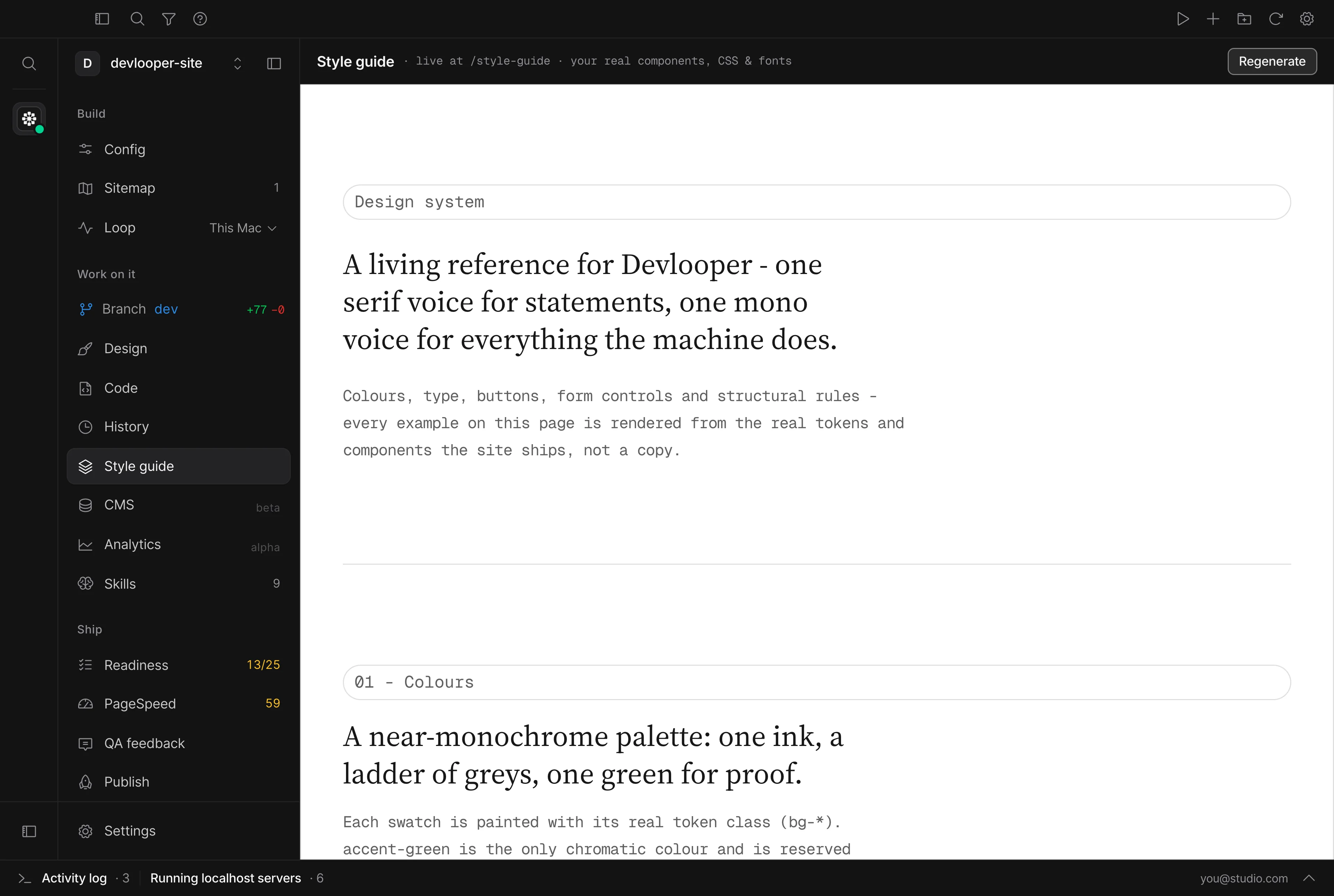
- Click Style guide in the project sidebar.
- Click Generate live page. It takes a minute or two; you can keep working.
- The page opens in the tab. Regenerate builds it again after the design changes.
Good to know:
- The style guide is a real page of your site, so it is published with the site. Delete the page if the client should not have it.
- Regenerate replaces the page; changes you made to it by hand are lost.
- It uses a little of your Claude plan.
- It works for Next.js and Astro sites.