Guides6. Publish
Hand a site to a client
Send the finished site to your client's own GitHub, or package it as a download.
When the site is done, give it to the client in the form they need. devlooper removes its own tools from the code first, so the client gets a clean site.
Send it to the client's GitHub
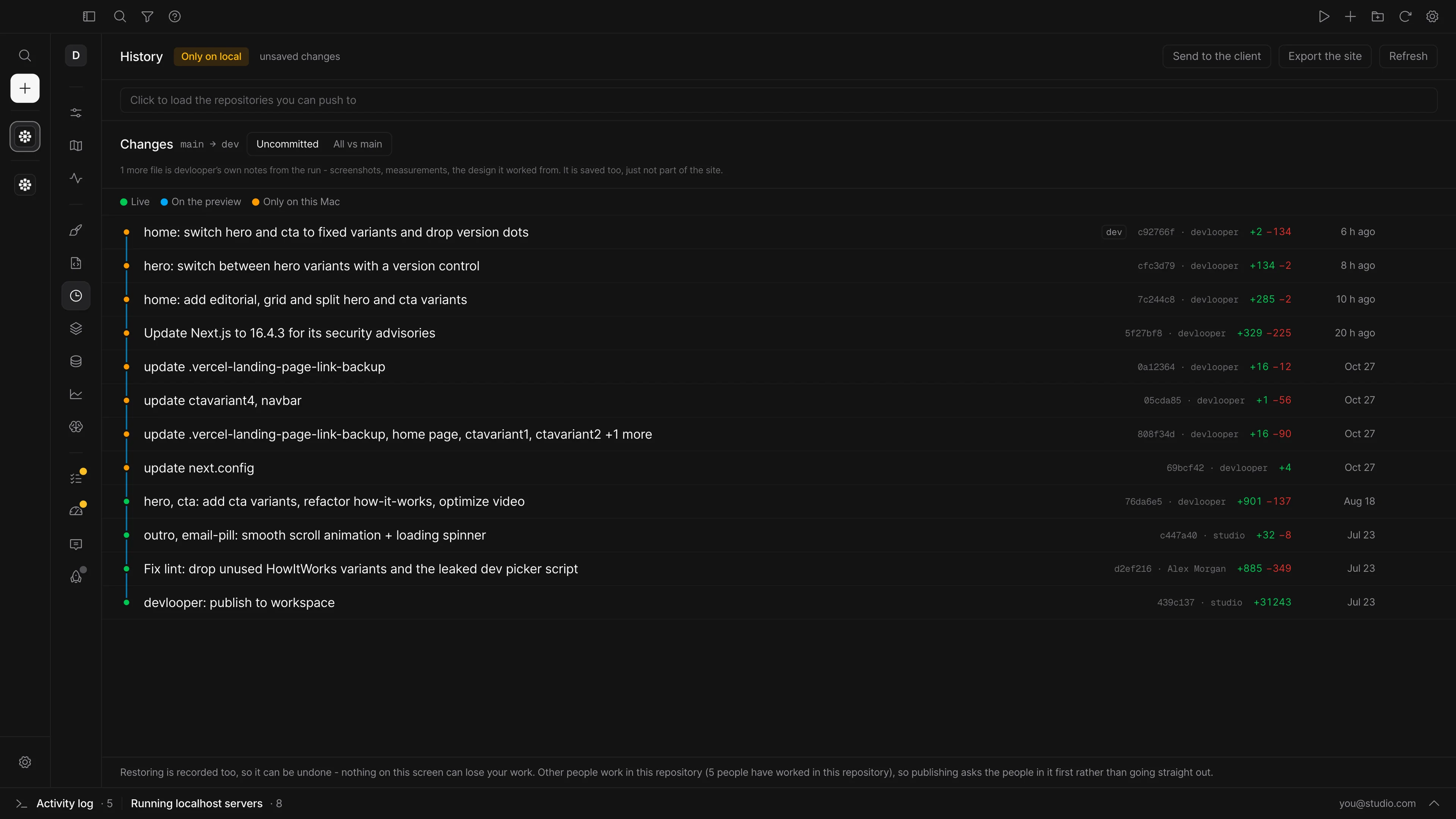
- Open History.
- Click Send to the client and pick the client's repository from the list.
- Check the summary: what is sent, and what was checked first.
- Click Send it. The first time, the site goes straight into their empty repository. Later updates arrive as a pull request for them to approve.
Export it as a download
- Open History and click Export the site.
- Click Publish it. The site is attached as a download to its GitHub repository, ready to send.