GuidesHelp
Settings
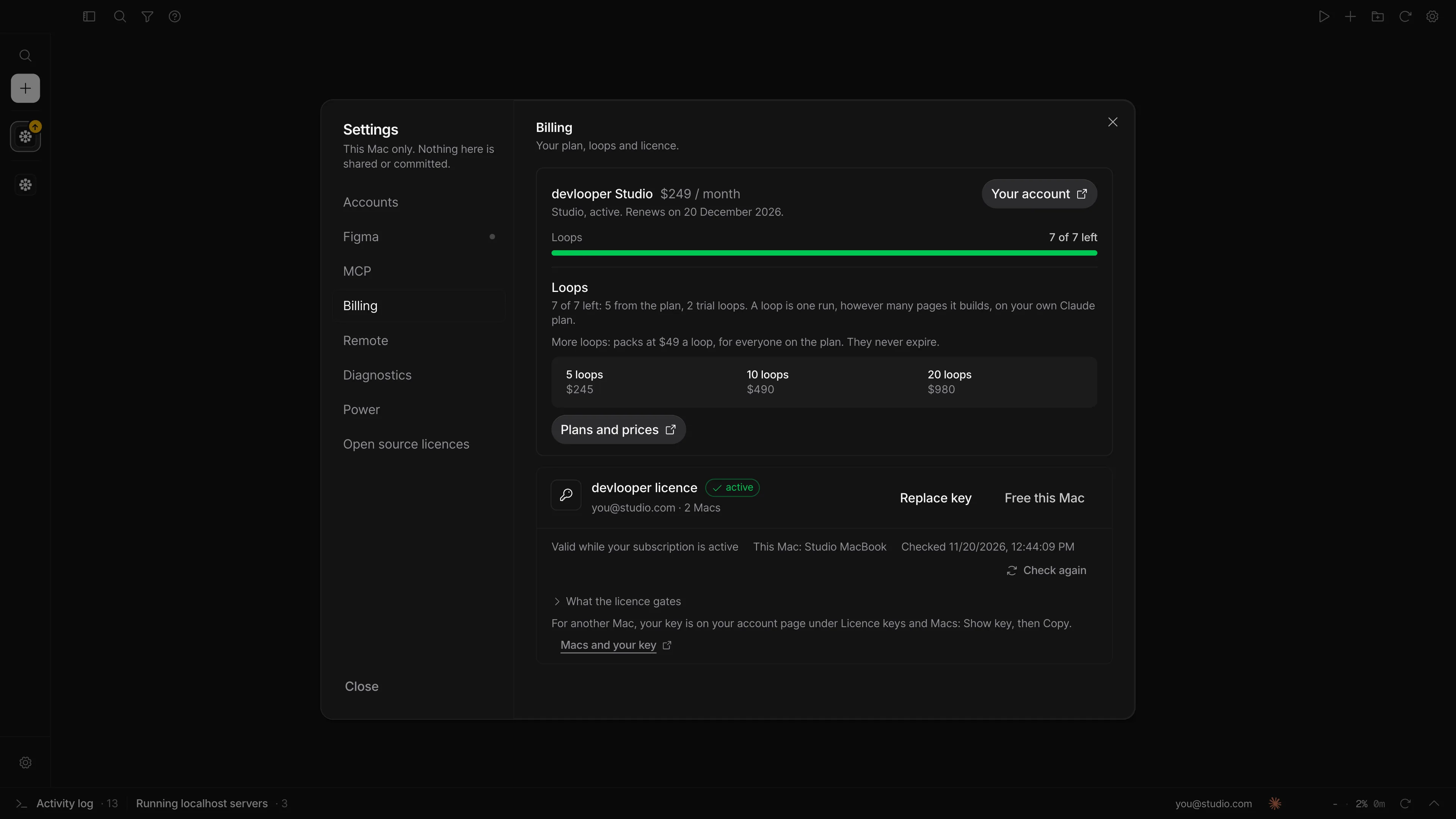
Every page of Settings, and when you need it.
Open Settings with the gear in the top-right corner. Everything here applies to this Mac only and is never shared or sent with a project.
A yellow triangle next to a page means something there needs attention. Each row says what is wrong and what to press.
| Page | What it is for | Guide |
|---|---|---|
| Accounts | Claude, GitHub, Vercel, Sanity and Ploy: who devlooper acts as | Your Claude plan, GitHub, Vercel |
| Figma | How designs are read: your access token and the Figma MCP | Connect Figma |
| MCP | Other tools Claude can use, like Notion or Linear | MCP servers |
| Billing | Your plan, loops and key, and freeing this Mac | Your plan and key |
| Remote | Running builds on Railway with the laptop closed | Run the loop on Railway |
| Diagnostics | Whether anonymous reports are sent, and a file to send us when something goes wrong | |
| Power | Keeping your Mac awake during a build | Keep your Mac awake |
Diagnostics
- Send diagnostics to the devlooper team sends which steps ran, how long they took and what failed. It never sends your code, designs or keys.
- Copy diagnostics saves one file about this Mac's setup to your Desktop. Send it to us when something does not work.