Questions
Answers to what people ask most.
Do I need a plan to use devlooper?
Yes. devlooper opens with an active plan: the 30-day trial, or the plan that starts after it. Your projects, repositories and live sites stay yours without one. See Your plan and key.
How long does a build take?
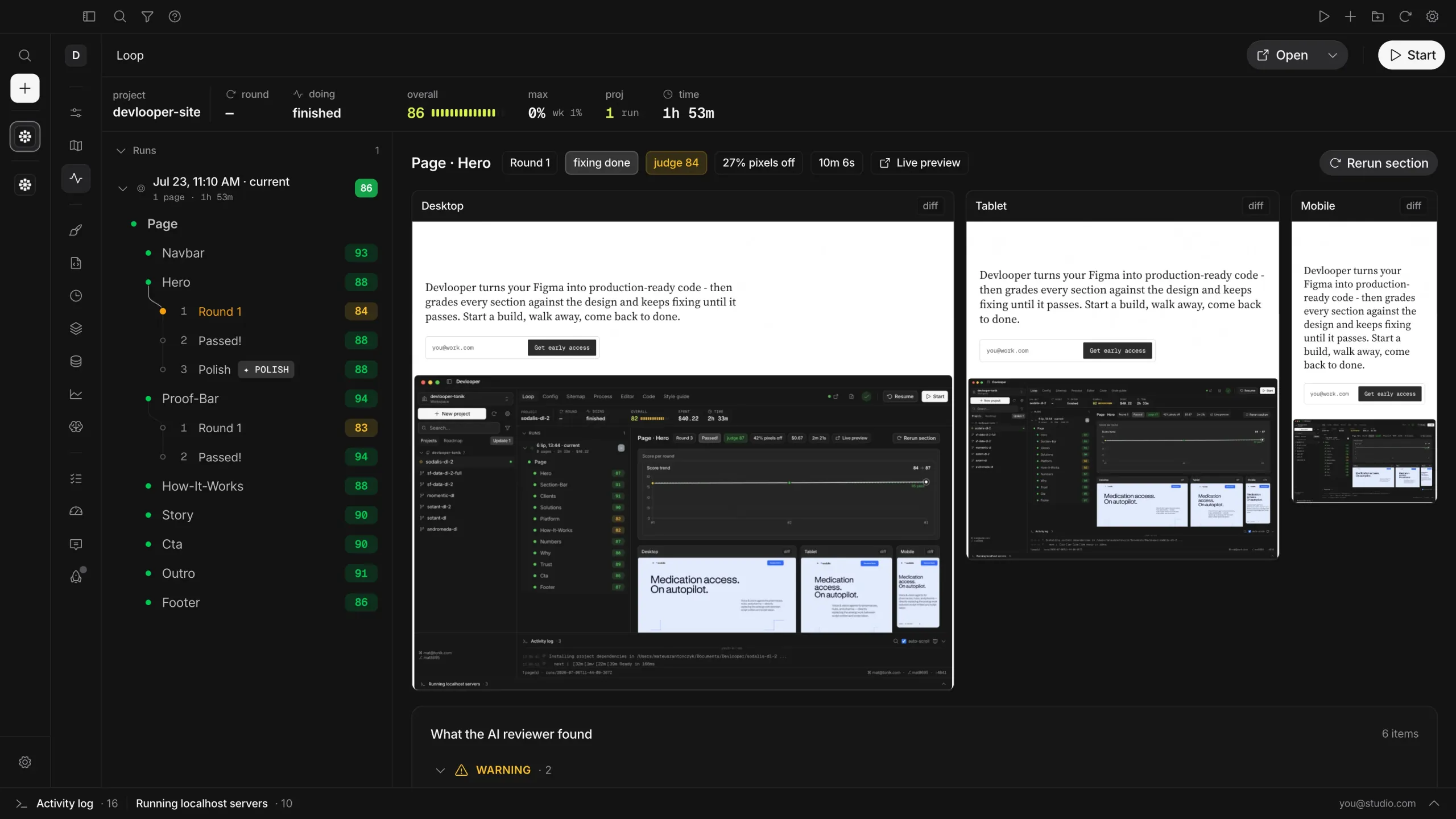
Hours, not minutes. A landing page usually takes two to three hours, a big page longer. Start it before you leave and come back to finished work. See What the loop is.
Can I close the laptop during a build?
On your Mac, only with Keep running with the lid closed on and the charger plugged in. See Keep your Mac awake. To close it and go, build on Railway.
What happens when my Claude plan runs out mid-build?
If the limit resets soon, the build waits. If the reset is more than two hours away, the build stops, keeps its work, and tells you when to press Resume.
The design changed after the build. Build again, or fix it by hand?
Small changes: pin them in Design and send them. A big change to a page: Build this page in the Sitemap rebuilds just that page.
Which GitHub account should I use: personal or company?
Connect both if you need both. Each project keeps the account it was published with. See Connect GitHub.
Should Vercel be a shared company account?
Your own account, on your work email, is fine. It has to be a member of the Vercel team that owns the site. See Connect Vercel.
Why does publishing go through a review now?
When a site belongs to a team, devlooper sends your work for review instead of straight to the live site, so nobody changes it by accident. Once the review is approved, Publish live appears. See Publish a site.
How do I give the client their site?
From History: Send to the client pushes it to their GitHub, Export the site makes a download. See Hand a site to a client.
Can I try something without breaking the project?
Right-click the project in the Hub → Duplicate… and experiment on the copy.
Can I add a CMS to a site I already have?
Yes. Add the project to the Hub, open CMS and connect one. The changes wait separately until you merge them. See Connect a CMS.
Does the Figma file have to be perfect?
No. A tidy file with auto layout builds faster and closer to the design. A messy one still works, it just takes longer. See Prepare a Figma file.